

We’re excited to share that we’re rolling out several new features for 1point — along with improvements to the tools you already know and love, and many of the enhancements you’ve been asking for.
These updates will go live this Friday, February 13th.
Below is a brief summary of what’s coming. As always, please don’t hesitate to reach out if you have any questions or would like more details.
New features
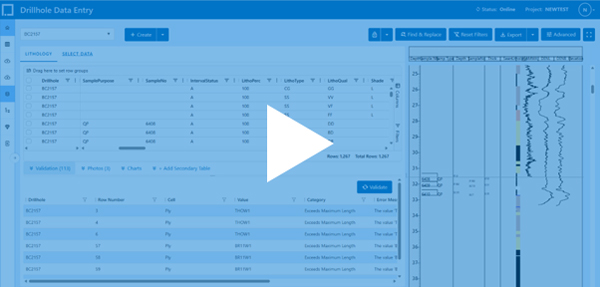
1. Graphic Log
Create, save, import and export custom layouts. Watch the getting started with 1point graphic log video.
2. QAQC Charts
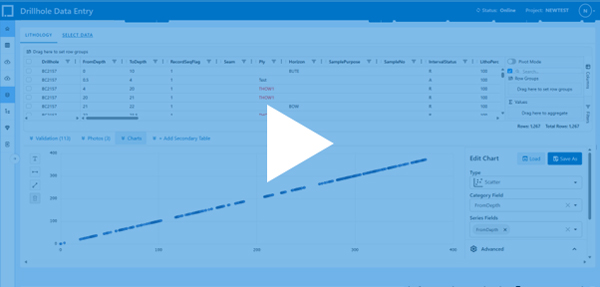
Powerful QAQC charting gives you faster insights. Create reusable chart templates at the private, project, or company level, visualise multiple drillholes in a single chart, and apply certified values, standard deviation crosslines, and regression analysis with ease. View charts instantly in the Data Entry or pin them on the project dashboard to keep quality front and centre. Check out the video below to learn more.
3. Assay Management
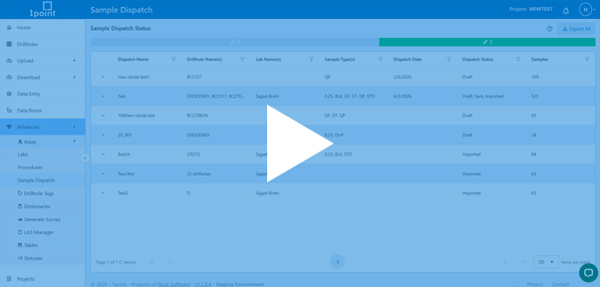
Streamline lab workflows with custom result uploads and procedure management, with built-in support for duplicate samples and blank controls to boost data confidence. Create sample dispatches and composite samples directly from Data Entry, send them straight to the lab, and track progress end-to-end as labs confirm receipt. Check out the video below to discover how.
4. Advanced Export
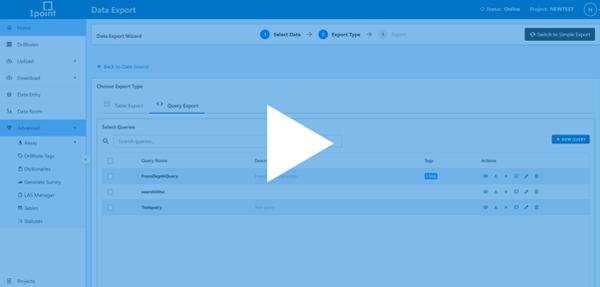
Build precise exports using custom queries through an AI-powered interface, or take everything with you by exporting the full SQLite database for offline analysis, reporting, and seamless integration into your existing workflows. Watch the video below.
Feature Updates
- Data Entry Updates
Data Entry is faster, smarter, and fully offline-ready. Lock and edit drillholes, export sessions, and sync automatically when back online. With auto-advancing cells, recent-code dropdowns, tablet-friendly controls, and cross-table validations, entering accurate data has never been this effortless. - Map Updates
The latest map update allows you to categorise and style markers by any column, upload DXF files, and create styled polygons with ease. Zoom to shapefiles, select drillholes within them, and keep your view tidy with marker clustering — all designed for faster and smarter analysis. - Stripe integration
Stripe Integration makes subscription management effortless, letting you handle payments and plans quickly and securely - Core Photos Update
The new core photos make visual data easy to manage — upload entire ZIP files at once, then zoom and crop images directly for fast, precise review.